Viewing player limits in Blooket saves you from that awkward moment when half your class can’t join because you picked the wrong game mode.
I learned this the hard way. Tried running Tower Defense with 60 kids. System said no. Kids got mad. I looked dumb.
Don’t be me.
Why Player Limits Actually Matter
Here’s the thing nobody tells you. Every Blooket game mode has different capacity. Some handle massive groups. Others work best small.
Player limits aren’t random numbers Blooket made up. They’re based on game mechanics and what actually creates a good experience.
Racing with 5 kids? Boring. Racing with 60? Pure energy.
Tower Defense with 60? Laggy mess. Tower Defense with 15? Perfect.
Where To Find Player Limits
Open Blooket. Click “Host” like you’re starting a game. Don’t worry, you’re not committing to anything yet.
Pick any question set. Hit next.
Now you see all the game modes lined up. Here’s your goldmine:
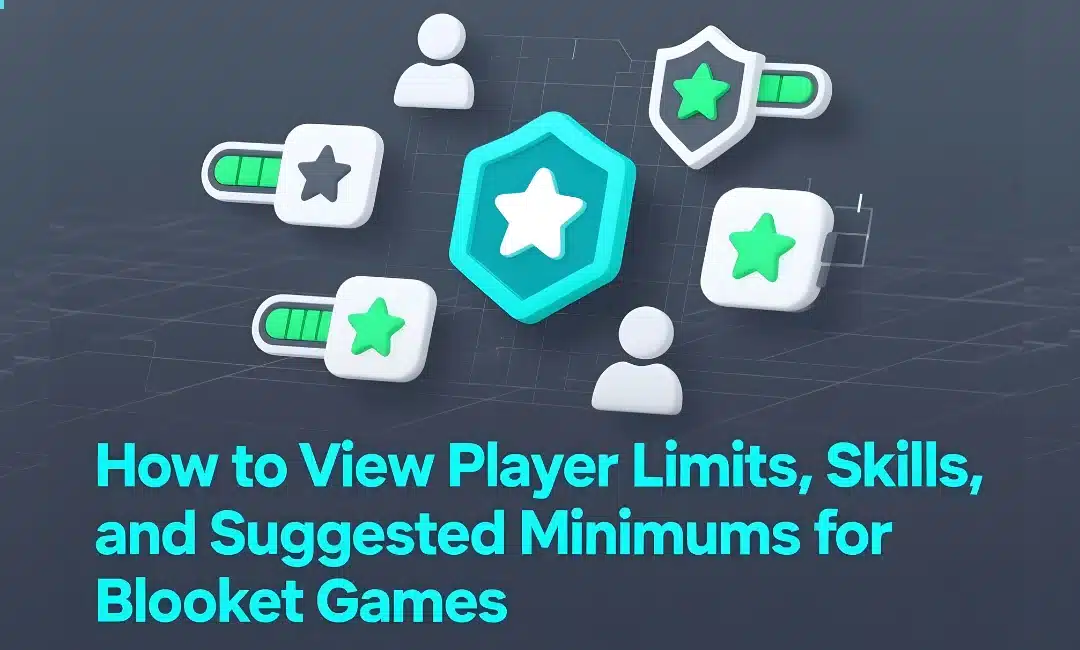
Hover over any game mode. A little info box pops up. Right there. Player limit. Skill focus. Recommended class size.
It’s literally staring at you. Most teachers never look at this. They just click and pray.
Breaking Down Each Game Mode
Let me give you the actual numbers that matter:
Racing handles up to 60 players. Best for quick review. Tests recall speed. Works great with big classes. Minimum? I’d say 10 players to make it competitive.
Gold Quest caps at 60 too. But here’s the catch. It rewards strategy and question accuracy. Slower pace. Better for deeper thinking. Runs fine with just 5 students.
Tower Defense maxes at 60 players working together. This is your team collaboration mode. Students work as one unit. Suggested minimum is 8 to make the teamwork actually matter.
Cafe tops out at 60. Tests both speed and accuracy. Medium energy level. Great for mixed-ability groups. Works with as few as 6 players.
Battle Royale allows 60 maximum. High stakes elimination style. Creates intense focus. Needs at least 10 players or the battles feel empty. Pro tip: learn how to switch teams in Battle Royale before running this.
Tower of Doom supports 60 players. Similar to Tower Defense but competitive instead of cooperative. Minimum 8 players to keep it interesting.
Skills Each Mode Targets
This is where it gets strategic. Different modes test different skills.
Racing prioritizes speed. If you want students drilling multiplication facts fast, this is your mode. Pure recall under pressure.
Gold Quest emphasizes accuracy over speed. Wrong answers hurt you. Right answers pay off big. Use this when you want careful thinking.
Tower Defense builds teamwork. Everyone contributes to the same goal. Perfect for building class community. I use this after breaks when kids need to reconnect.
Cafe balances speed and precision. Students learn to work fast without sacrificing accuracy. Real-world skill right there.
Battle Royale creates competition. Elimination format. High pressure. Some kids thrive here. Others crumble. Know your audience.
Suggested Minimums That Actually Work
Blooket gives you minimums. I’m giving you what works in real classrooms.
Small class (under 15 students)? Gold Quest, Cafe, and Tower Defense work best. Racing feels empty with small groups.
Medium class (15-30 students)? Everything works. Pick based on your learning objective, not the number.
Large class (30+ students)? Racing and Battle Royale shine here. The chaos becomes the feature. Kids love the energy.
Checking Skills Before You Host
Click that info icon next to each game mode when hosting. It tells you:
- Maximum players allowed
- Primary skill tested
- Game style (competitive vs cooperative)
- Estimated time to complete
Read this every time until you memorize it. Then read it anyway because you’ll forget.
Matching Games to Your Goals
Teaching vocabulary? Gold Quest rewards careful reading and comprehension.
Drilling math facts? Racing creates the repetition you need.
Building class culture? Tower Defense forces collaboration.
Review before a test? Battle Royale simulates test pressure without the actual stakes.
Want students teaching themselves at home? Learn how to assign homework in Blooket and view homework results to extend these skills beyond class time.
Common Player Limit Mistakes
Mistake one: Picking Racing for 8 kids. It’s awkward. They need more opponents to feel competitive.
Mistake two: Running Battle Royale with your whole grade level assembly. 200 kids don’t fit. Check the cap first.
Mistake three: Ignoring the skill focus. Just because a game fits your class size doesn’t mean it fits your lesson objective.
FAQs
Q: Can I adjust player limits myself?
A: No. Limits are fixed per game mode. Pick a different mode if you need different capacity.
Q: What happens if too many students try joining?
A: They get an error message. First come, first served. Learn about late joining settings to manage this better.
Q: Do player limits change?
A: Sometimes Blooket updates capacity. Check the hosting guide for current numbers before big events.
Q: Which mode needs the least players?
A: Gold Quest works great even with 3-4 students. Solo play is also possible – see how to play a solo game.
Viewing player limits in Blooket takes 5 seconds and saves you from classroom disasters. Check before you host. Every single time.