How to import questions from Quizlet into Blooket is the ultimate time-saver for teachers who use both platforms. I had 200 vocabulary flashcards on Quizlet that I wanted to turn into a Blooket game.
The thought of retyping everything made me want to cry. Then I found the import feature.
Why Import from Quizlet

Quizlet has millions of study sets already created.
Chances are, someone already made flashcards on your exact topic.
Why rebuild the wheel when you can import and customize?
I’ve imported sets on everything from Spanish vocabulary to cell organelles.
Finding Quality Quizlet Sets First
Before importing, make sure the Quizlet set is actually good.
Check for:
- Accurate information (some user-created sets have errors)
- Appropriate difficulty for your students
- Clean formatting without weird symbols
Bad Quizlet set = bad Blooket game. Quality in, quality out.
Getting the Quizlet URL
Open the Quizlet set you want to import.
Copy the entire URL from your browser’s address bar.
It’ll look something like: quizlet.com/12345678/biology-terms-flash-cards
You need that full link.
Starting the Import in Blooket
Click “Create” in Blooket, then select “Import.”
You’ll see several import options.
Choose “Import from Quizlet.”
Pasting Your Quizlet Link
Drop that Quizlet URL into the text field.
Hit “Import” or “Next” (wording varies).
Blooket reaches out to Quizlet and grabs all the content.
Takes anywhere from 5 seconds to a minute depending on set size.
How Blooket Converts Flashcards
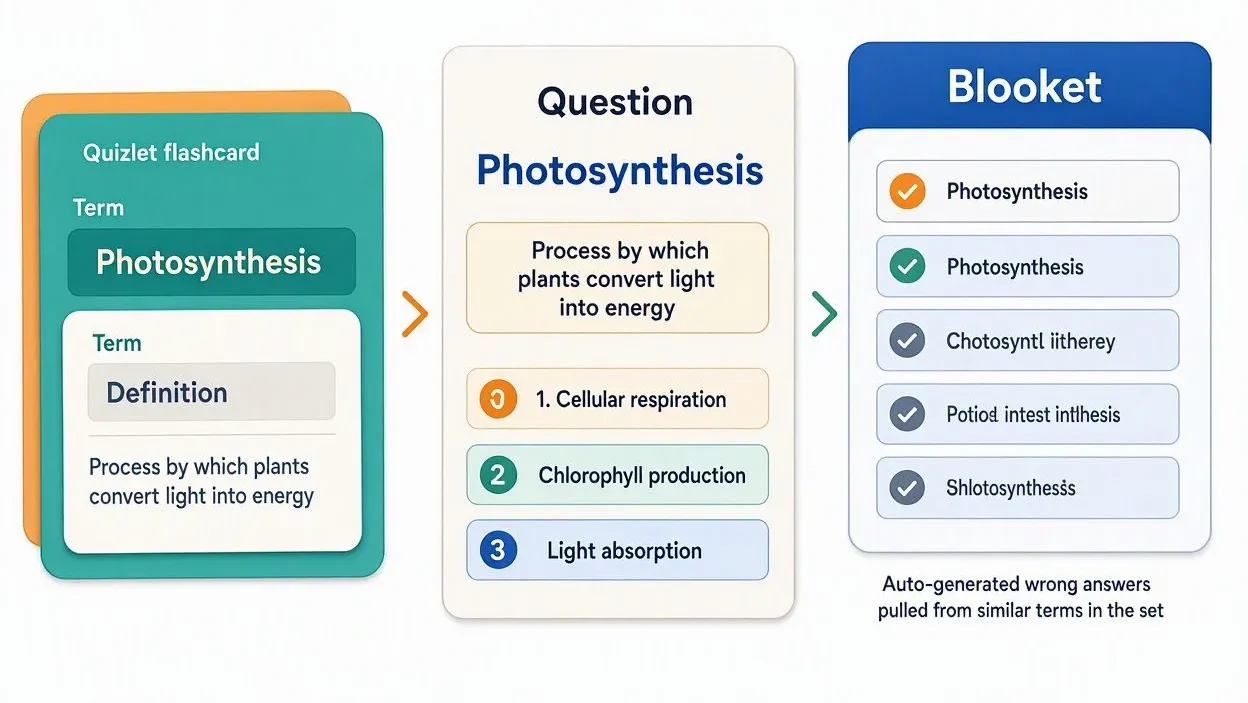
Here’s what happens behind the scenes:
Quizlet flashcards have a term and definition.
Blooket converts the term into the question.
The definition becomes one of the answer choices.
Then Blooket auto-generates three wrong answers using similar terms from the set.
Reviewing Auto-Generated Wrong Answers
This is critical: always check those auto-generated distractors.
Sometimes Blooket creates wrong answers that are actually correct or too obviously wrong.
I spend 10 minutes after every Quizlet import fixing wonky answer choices.
Adjusting Question Format
Quizlet terms don’t always translate to great questions.
Change them to actual questions:
Instead of: “Mitochondria” Use: “What is the powerhouse of the cell?”
Makes the game way more engaging than just seeing vocabulary terms.
Adding Images After Import
Quizlet sets with images don’t always import those images correctly.
You’ll probably need to manually add visuals after importing.
I keep a folder of common diagrams ready to drop in.
When Import Fails
Sometimes Blooket can’t access a Quizlet set because:
- The set is private (creator hasn’t made it public)
- The URL is broken or incomplete
- The set is too large (rare but happens)
If import fails, try copying the content manually or finding a different Quizlet set.
Editing Imported Questions
Once imported, treat it like any set you created from scratch.
You can:
- Delete questions that don’t fit
- Reword confusing terms
- Add or change answer choices
- Merge with other sets using this guide
I usually delete 20-30% of imported questions that don’t work for my class.
Best Subject Areas for Quizlet Import
This feature works best for:
- Vocabulary-heavy subjects (foreign language, science terms, history)
- Definition-based content (literary terms, math vocabulary)
- Memorization topics (state capitals, element symbols)
Less effective for: problem-solving, essay questions, complex scenarios.
Combining Import Methods
Power move: import a Quizlet vocabulary set, then import questions from a spreadsheet with application problems.
Merge them into one comprehensive review set.
I do this for every unit test review.
Respecting Original Creators
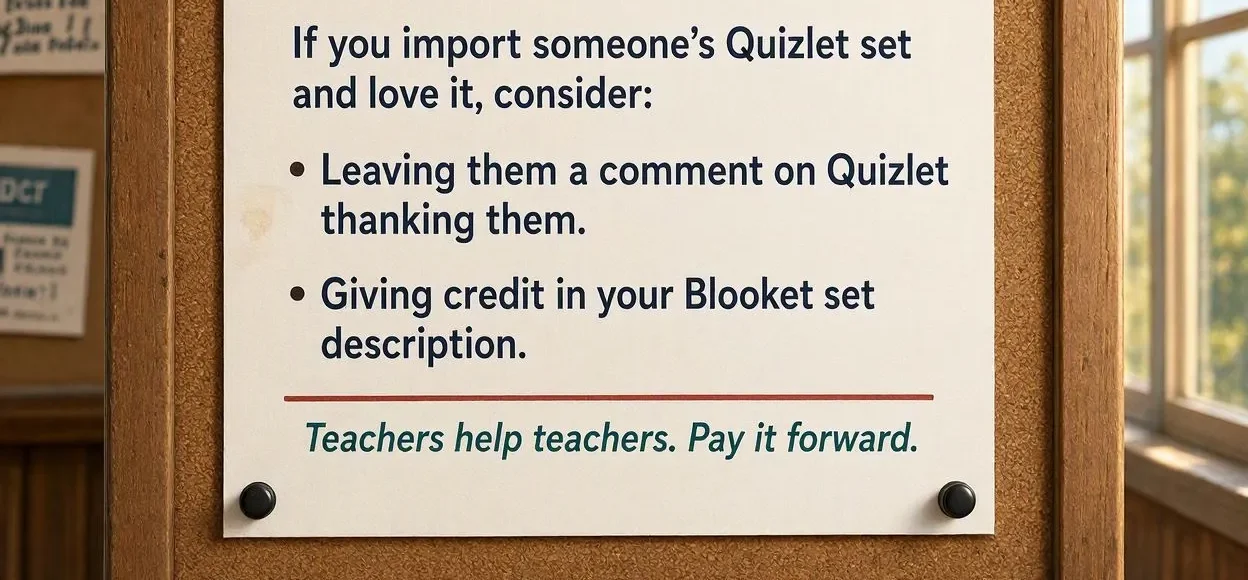
If you import someone’s Quizlet set and love it, consider:
Leaving them a comment on Quizlet thanking them.
Giving credit in your Blooket set description.
Teachers help teachers. Pay it forward.
FAQ
Can I import from private Quizlet sets?
No, only public Quizlet sets are accessible for import into Blooket.
Does importing from Quizlet cost money?
No, it’s free for all Blooket users regardless of account type.
Will my imported set update if the Quizlet set changes?
No, it’s a one-time import. Changes to the original won’t affect your Blooket copy.
Can I import Quizlet diagrams or audio?
Images sometimes import, but audio does not. You’ll need to handle multimedia manually.