How to find Blooket question sets used to take me forever until I figured out the system. I’d scroll for twenty minutes looking for the perfect set of fractions, only to give up and make my own.
There’s a better way.
The Discover Tab Is Your Friend
Open Blooket and click “Discover” at the top.
This is where millions of teacher-created question sets live.
It’s like having a library of every quiz ever made, except most of them are actually good.
Using the Search Bar Effectively
Here’s where most people mess up.
They search too broad. “Math” gives you 50,000 results. Useless.
Instead, try:
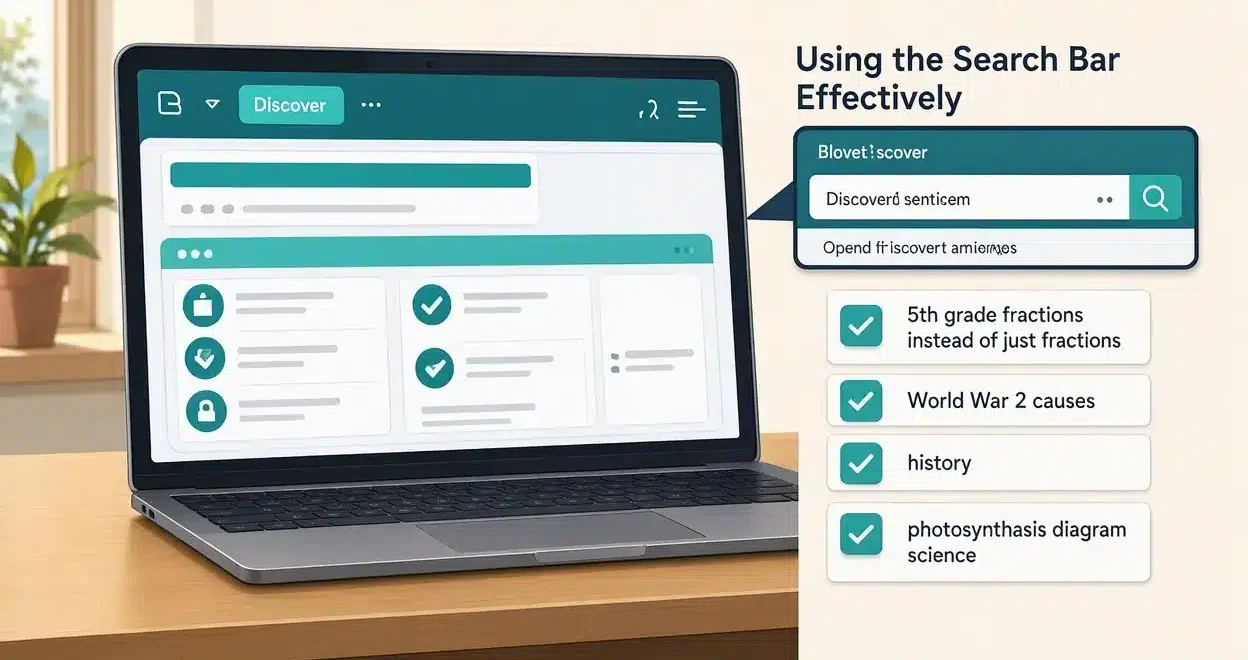
- “5th grade fractions” instead of just “fractions”
- “World War 2 causes” instead of “history”
- “photosynthesis diagram” instead of “science”
The more specific, the better your results.
Filter by Subject and Grade
See those dropdown menus under the search bar?
Use them.
Select your subject from the list—Math, Science, Social Studies, whatever.
Then pick your grade level.
Cuts down your search results by like 90%.
I wish I’d known this my first month using Blooket.
Sort by Popularity and Plays
Click the “Sort” button and choose “Most Plays.”
This shows you sets that thousands of other teachers have already used and loved.
If 10,000 teachers used a question set on cell biology, it’s probably solid.
Check the Set Details Before Copying
Before you get excited and copy a set, click on it.
Look at:
- Number of questions (I like 15-25 for most games)
- Question preview (are they well-written?)
- Creator profile (do they make quality content?)
I once copied a set with thirty questions and half of them had typos. Never again.
Browse Featured Collections
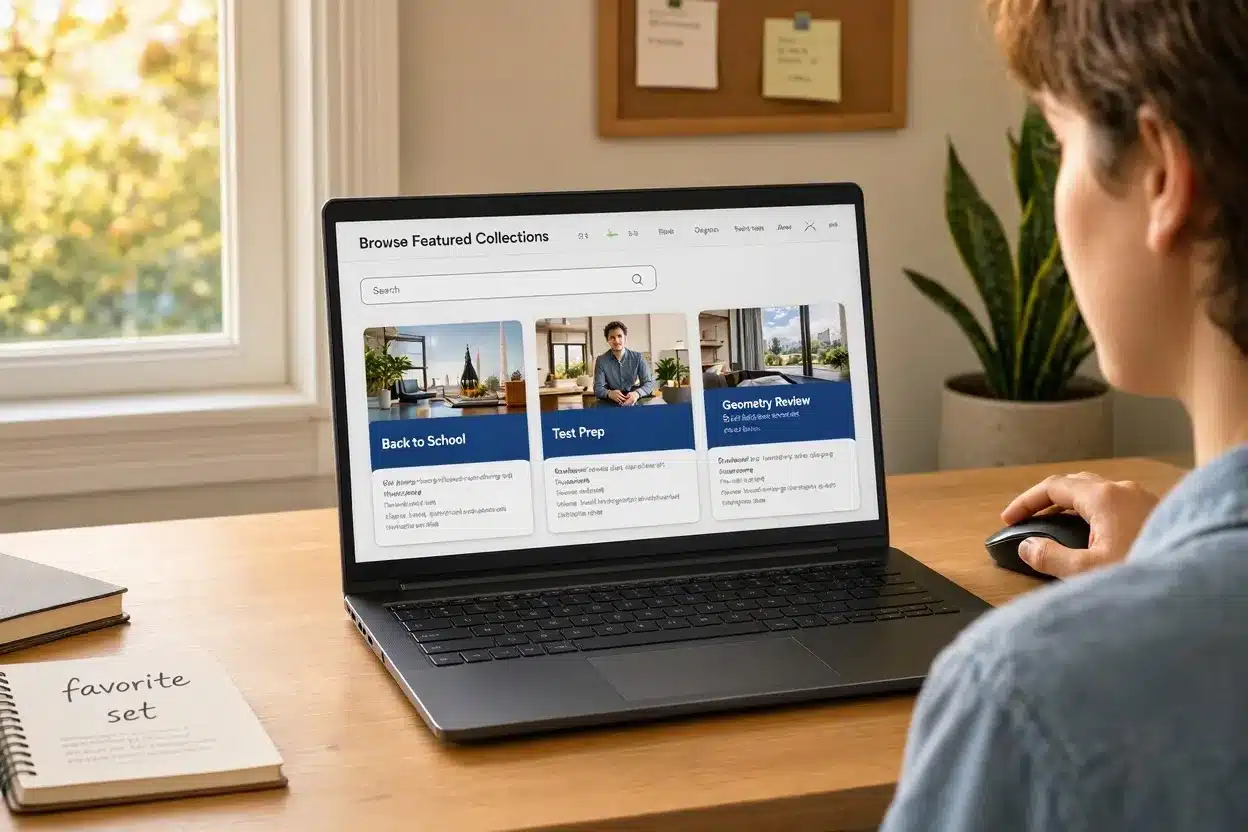
Blooket’s team curates collections of high-quality sets.
Scroll down past the search bar and you’ll see themed collections like “Back to School” or “Test Prep.”
These are gold mines.
I found my favorite geometry review set in a featured collection last spring.
Use Related Sets
Found one good question set?
Scroll down to “Related Sets” at the bottom.
Blooket suggests similar content based on what you’re viewing.
I’ve discovered some of my best resources this way—sets I never would’ve found through search.
Follow Top Creators
When you find a creator who makes awesome content, click their profile.
Hit “Follow.”
Now you’ll see their new sets as they publish them.
I follow maybe ten creators who consistently drop quality stuff in my subject areas.
Search by Standards
Some question sets are tagged with educational standards like Common Core.
Use the standards filter if your district requires alignment.
Type in the standard code (like “4.NF.A.1”) and boom—perfectly aligned content.
Community Recommendations
Join Blooket Facebook groups or Reddit communities.
Teachers share their favorite question sets all the time.
Someone posted an amazing set on the American Revolution last month that I still use weekly.
Save Time with AI Generated Question Sets with Khanmigo
Can’t find what you need? Generate your own in seconds.
Sometimes building custom is faster than searching for the perfect pre-made set.
Organize What You Find
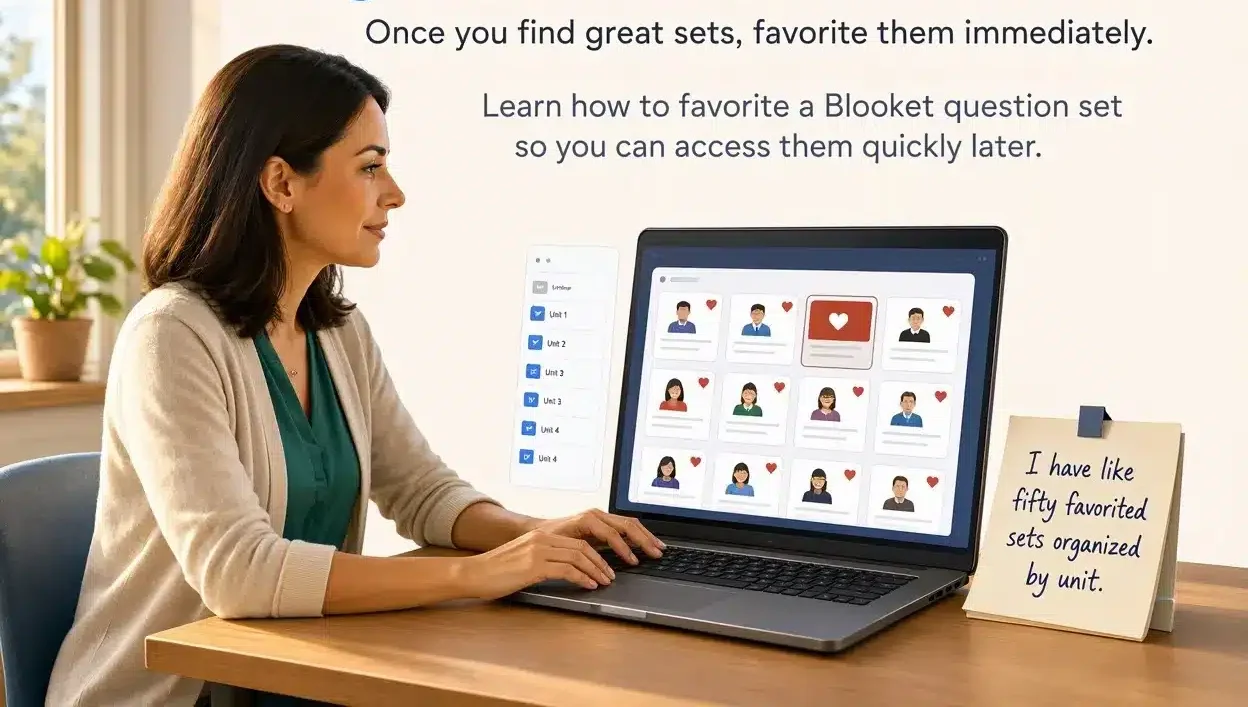
Once you find great sets, favorite them immediately.
Learn how to favorite a Blooket question set so you can access them quickly later.
I have like fifty favorited sets organized by unit.
FAQ
Can I search for question sets in languages other than English?
Yes, Blooket supports multiple languages—just search in your target language.
Are all question sets free to use?
Yes, all public sets are free to copy and customize for your classroom.
How do I know if a question set is high quality?
Check the play count, ratings, and preview the questions before using.
Can I search within my own saved sets?
Yes, use the search bar in “My Sets” to find your saved content quickly.