Ending a Blooket game early saved me when the fire alarm went off mid-Tower Defense and I had 28 kids trying to finish “just one more question.” Sometimes games need to stop. Tech fails. Time runs out. The principal walks in for a surprise observation.
You need an exit strategy.
Why You’d End a Game Early
Reason one: Time ran out. The bell rang. The passing period has started. Students need to leave but the game wants 5 more minutes.
Reason two: Technical disaster. Half the class disconnected. Internet died. Blooket glitched and everyone’s stuck on the same question.
Reason three: The game went sideways. One team is dominating so hard that the other team gave up. Or team dynamics turned toxic and kids are arguing.
Reason four: You messed up. Wrong question set. Wrong game mode. You need to restart with the correct settings.
Reason five: Unexpected interruption. Fire drill. Assembly announcement. Emergency lockdown drill. Life happens.
I’ve ended games early for all these reasons. Sometimes multiple times in one day.
How to End Games from Host View
You’re hosting the game. Students are playing. You need to stop everything right now.
Look at your host screen. Not the student view. Your teacher dashboard where you see game progress and leaderboard.
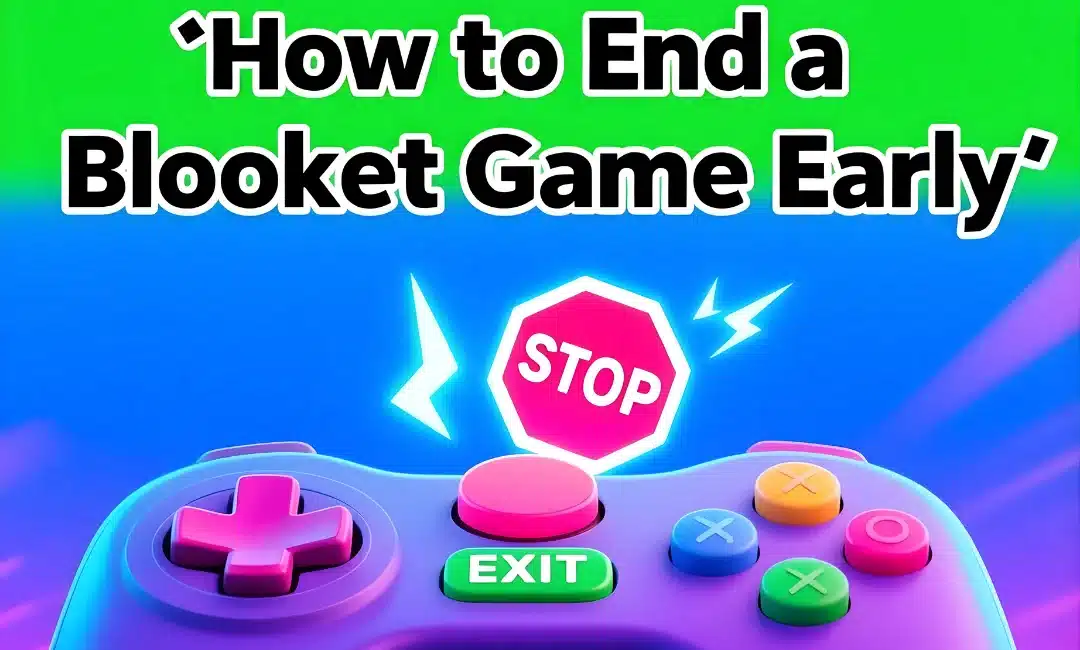
Find the “End Game” button. Usually red. Usually in a corner. Sometimes says “Stop Game” or “Finish Early.”
Click it. Boom. Game over.
Blooket immediately stops accepting answers. Shows final scores to everyone. Game session ends. Code expires. Done.
Students see the results screen with final rankings. You see the option to view reports. Everything transitions to post-game state automatically.
What Happens to Student Progress
Here’s what students see when you end early. They’re mid-question. Suddenly the game freezes. The results screen pops up.
Their score at the moment you clicked “End Game” becomes their final score. No penalty for unfinished questions. No bonus for being ahead.
Whatever they earn stays earned. Points don’t get adjusted or removed. The game just stops counting from that moment forward.
Some students will complain they “almost had it” or “were about to win.” Ignore this. You ended early for a reason. Stick to it.
Ending vs Letting Timer Run Out
Different scenarios. The game has a natural endpoint. Timer counting down. Do you end early or wait?
Let it run if: You have time. Students are engaged. No urgent reason to stop. Letting games finish naturally feels better for everyone.
End early if: Clock matters more than completion. Or students lost interest and you’re wasting time. Or the outcome is obvious and the last 3 minutes won’t change anything.
I end Racing games early when one student is so far ahead that the last minute is just watching them win. Why waste time? End it. Move on.
I let Tower Defense run because every question helps the team. Even if time is tight, those cooperative games deserve their full duration.
Read the room. Make the call.
Saving Reports When You End Early
Most important thing: Your reports still save. Ending early doesn’t delete data.
Go to your reports immediately after ending. Access your Blooket reports the normal way. Everything students answered before you clicked stop is recorded.
Questions they didn’t reach? Not in the report. But everything up to that point saves automatically.
I’ve ended games with 2 questions completed and still got useful data. I’ve finished 90% of the games and got nearly complete reports.
The data you need for identifying review opportunities still exists. Just less of it than a full game would provide.
Want to keep that data organized? Download the report right away before starting your next activity. It’s easy to lose track if you wait.
Student Reactions to Early Endings
Students hate when games end early. Especially if they were winning.
“Mr. we were almost done!” “Can we finish?” “This isn’t fair!”
My response: “I hear you. The game’s over. We’re moving on.”
Don’t over-explain. Don’t apologize unless you genuinely messed up. Just end it and transition to the next thing.
The student who was losing will be secretly relieved. The student who was winning will pout for 30 seconds then forget about it.
If you ended because of tech issues, acknowledge it: “Internet died. Not anyone’s fault. We’ll try again tomorrow.”
If you ended because of time, own it: “I miscalculated. My bad. But we need to move to the next lesson now.”
Restarting After Ending Early
Sometimes you end early because you need to restart immediately. Wrong settings. Wrong question set. Whatever.
Students are already in game mode. Devices are out. Just host a new game with correct settings.
Generate a new game code. Share it. Students rejoin. Takes 60 seconds tops.
Don’t make them put devices away just to take them back out. Keep momentum going.
If the issue was player limits or late joining problems, adjust those settings before restarting. Learn from the first attempt.
Emergency Endings
Fire alarm scenario. True emergency. You need everyone moving immediately.
Don’t worry about the game. Don’t try to end it properly. Don’t save reports. Don’t do anything except get students to safety.
Device still running Blooket? Leave it. Close the laptop. Drop the phone. Move.
Game will time out eventually. Blooket isn’t more important than safety. Reports might not save. That’s fine.
I’ve lost game data to fire drills twice. Zero regrets. Students matter more than data.
Planned Early Endings
Sometimes you plan to end early from the start. Running a 10-minute game but only have 7 minutes.
Tell students upfront: “This game runs 10 minutes but I’m ending it at 7. When I say stop, we stop.”
Manages expectations. Prevents complaints. Students know the deal before they start.
I do this during review sessions where we’re running multiple short games. “Each game gets 5 minutes max, then we switch modes.”
Works great. Students get variety. I get flexibility. Nobody’s surprised when games end abruptly.
Alternative to Ending Early
Don’t want to end early but need students to stop? The pause feature doesn’t exist in most game modes.
Your options: End it or let it run. No middle ground.
If you need to make an announcement mid-game, just talk over it. Students can play and listen simultaneously. Or tell them to stop answering and pay attention.
Some will keep playing anyway. That’s fine. Important announcements can wait 90 seconds for the game to finish naturally.
Or switch to homework mode where students work at their own pace. No collective game to end. Everyone progresses individually.
Using Early Endings Strategically
I end games early on purpose sometimes. Teaching moment.
The game is close. Tension is high. Everyone’s locked in. Then I end it right before the winner is determined.
Students lose their minds. “Who won?!” “You can’t end it now!”
Perfect moment to transition into “that’s how cliffhangers work in storytelling.” Boom. Impromptu writing lesson.
Or I end cooperative games like Tower Defense one question short of victory. “We almost saved the kingdom! What went wrong? What would you do differently?”
Instant reflection opportunity. More valuable than finishing the game.
FAQs
Q: Can students end games themselves? A: No. Only the host can end games. Students can quit individually but can’t stop the whole game.
Q: What if I accidentally end a game? A: No undo button exists. The game’s over. Just start a new one if you need to.
Q: Do students get kicked out when I end early? A: Yes. Everyone goes to the results screen immediately. They can’t keep playing.
Q: Can I end a game someone else is hosting? A: No. Only the account hosting the game can end it. No co-host controls exist.
Ending a Blooket game early is your teacher superpower for when plans change and you need an exit immediately.