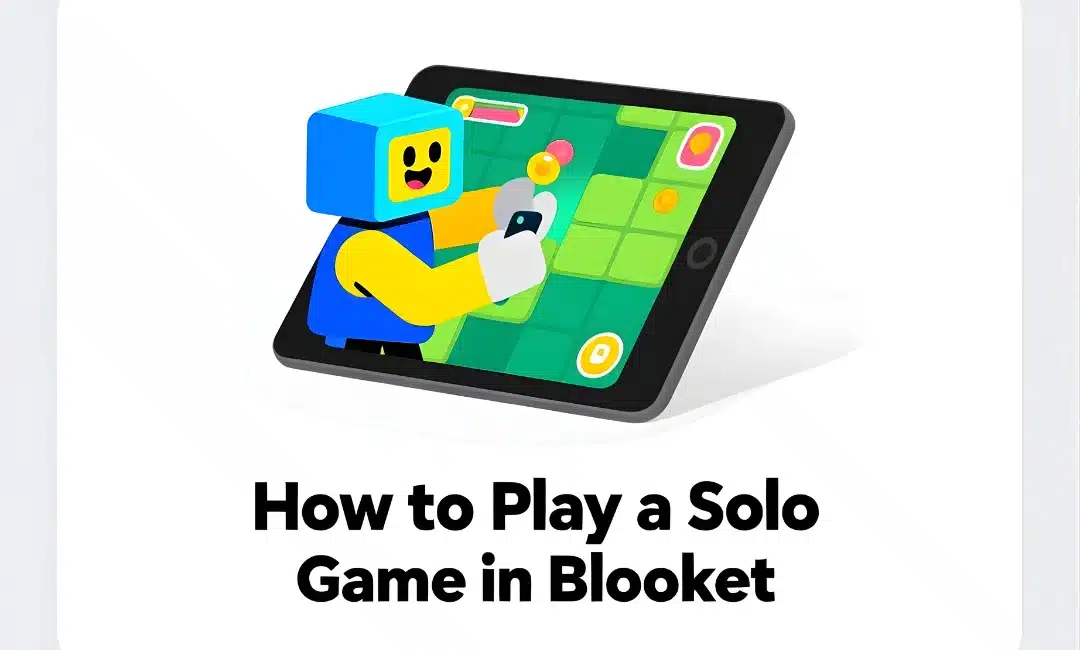
Playing a solo game in Blooket lets you practice by yourself without needing a teacher to host or classmates to compete against. I tell students about this every semester. Half ignored me. The other half use it religiously before tests. Guess which half scores higher?
Solo mode turns Blooket into your personal study tool available 24/7.
What Solo Mode Actually Is
Solo games are Blooket sessions you play alone. No teacher hosting. No game code needed. No other players involved.
You pick a question set. Choose a game mode. Play against yourself or computer-generated opponents depending on the mode.
All the engagement of regular Blooket. None of the social pressure or time constraints of live games.
Perfect for students who want extra practice. Perfect for students who missed class. Perfect for anyone who learns better without competition stress.
How to Access Solo Games
Go to Blooket.com. Don’t go to play.blooket.com. That’s for joining hosted games. You need the main site.
Log in to your Blooket account. If you don’t have one, create a free account. Takes 30 seconds. Name, email, password. Done.
Once logged in, look for “Discover” or “Play Solo”** in the navigation menu. Click it.
You land on a page showing thousands of question sets created by teachers around the world. Public sets anyone can use.
Browse by subject. Search by keyword. Find a set matching what you want to practice.
Finding the Right Question Set
The search bar at the top is your friend. Type what you’re studying. “Algebra equations.” “World War 2.” “Spanish verbs.” Whatever.
Results show sets matching your search. Each set displays:
- Title
- Number of questions
- Subject tags
- Creator name
- Play count
Click on any set that looks relevant. Preview the questions if the platform allows. Make sure they match what you need to study.
I tell students to look for sets with 15-30 questions. Short enough to finish in one sitting. Long enough to provide meaningful practice.
Starting Your Solo Game
Found a good question set? Click “Play” or “Start Solo Game.”
Choose your game mode. Not all modes work solo. Here’s what typically works:
Tower of Doom: You vs computer AI. Answer correctly to defeat enemies. Good solo mode because it has built-in opponents.
Tower Defense: Cooperative mode adapted for solo. You defend alone against waves.
Gold Quest: Strategic resource management. Works great solo. No opponents needed.
Racing: Race against your previous best time or AI opponents. Competitive feel even alone.
Cafe: Run a restaurant by answering questions. Purely solo. No opponents involved.
Battle Royale typically doesn’t work solo because it requires teams. Check what modes are available for the set you chose.
Playing Through Questions
The game starts. Questions appear one at a time just like in hosted games.
Read the question. Choose your answer. Get immediate feedback. Right or wrong.
No time pressure unless the game mode includes timers. Most solo modes let you work at your own pace.
No leaderboard comparing you to classmates. Just you and the content. Focus on learning, not winning.
Benefits of Solo Practice
Benefit one: No embarrassment. Got a question wrong? Nobody knows except you. Try again without judgment.
Benefit two: Unlimited attempts. Play the same set ten times if you want. Learn through repetition.
Benefit three: Flexible pacing. Need to pause and look something up? Go ahead. No one’s waiting.
Benefit four: Available anytime. 11pm before a test? Blooket solo mode is there. Your teacher isn’t hosting a live game at midnight but you can still practice.
Benefit five: Self-directed learning. You choose what to study. You control when and how long.
I’ve had students tell me solo mode is how they actually learned difficult concepts. The class game introduced it. Solo practice cemented it.
Tracking Your Solo Progress
Some Blooket accounts show your solo game history. Check your profile or stats page.
You might see:
- Sets you’ve played
- Scores achieved
- Questions you missed
- Improvement over time
This self-monitoring builds metacognition. Students see their own growth. Motivating for some. Eye-opening for others who thought they knew material better than they did.
Creating Your Own Sets for Solo Practice
Don’t like existing question sets? Create your own.
Click “Create a Set” from your dashboard. Add your own questions. Make them specific to what you’re studying.
Then play solo using your custom set. Perfect alignment between what you need to study and what you’re practicing.
I encourage students to create sets while reviewing notes. The process of writing questions helps learning. Then playing them reinforces it.
Solo vs Live Games Comparison
Solo games:
- Self-paced
- No social pressure
- Available anytime
- Limited game modes
- Good for focused study
Live games:
- Real-time competition
- Social engagement
- Scheduled by teacher
- All game modes available
- Good for assessment and motivation
Both have value. Use live games in class for energy and engagement. Use solo games at home for deliberate practice.
Students who do both perform better than students who only experience Blooket during class time.
Using Solo Mode for Test Prep
Two days before a test? Run through solo games on test content.
Play the same set multiple times. First time you’ll miss several. Second time you’ll miss fewer. Third time you should be near perfect.
That progression shows you’re learning. Gives you confidence going into the test.
I tell students: “Play until you can get 90%+ consistently. Then you’re ready.”
Simple metric. Clear goal. Self-directed studying.
Solo Mode for Makeup Work
Student missed your live class game? They can play the same question set solo at home.
Not an identical experience to the live game. No competition with peers. But same content practice.
Better than nothing. Better than just reading notes. Engage them with the material actively.
I assign solo play as makeup for absences. “You missed Friday’s review game. Play this set three times before Monday. Submit a screenshot of your best score.”
Limitations of Solo Mode
Limitation one: Not all game modes work. Team-based modes need multiple players.
Limitation two: Less motivating for some students. Competition drives certain kids. Solo practice bores them.
Limitation three: No teacher oversight. The student says they played solo for an hour. Maybe they did. Maybe they didn’t. Hard to verify.
Limitation four: Quality varies wildly. Public question sets range from excellent to terrible. Students need to evaluate quality themselves.
Despite limitations, solo mode adds value for motivated students.
Teaching Students to Use Solo Mode
Don’t assume students will discover solo mode themselves. Explicitly teach them.
Walk through accessing it. Show them how to search for sets. Demonstrate playing a game start to finish.
Then assign it as optional practice. “If you want extra review before the test, try solo mode. Here’s how.”
Students who use it see results. Word spreads. More students start using it.
Solo Mode for Different Learning Styles
Visual learners: The game graphics and immediate feedback help them process information.
Kinesthetic learners: Clicking and interacting beats passive reading.
Independent learners: Self-paced practice matches their preferred study style.
Auditory learners: Enable audio even in solo mode. Questions read aloud help processing.
Not perfect for every learning style but better than pure memorization or passive review.
Combining Solo Mode with Other Study Methods
Solo mode shouldn’t replace studying. It’s one tool among many.
My recommendation:
- Read notes first (passive review)
- Play solo Blooket (active practice)
- Create flashcards for what you missed (targeted focus)
- Play solo again (verify improvement)
Layered approach. Each method reinforces the others.
Solo Mode During Class Time
Sometimes I give students class time for solo practice. Particularly before assessments.
“Next 15 minutes: Solo Blooket on today’s content. Play at your own pace. I’m available for questions.”
Students work independently. I circulate helping as needed. Differentiated practice happening naturally.
Advanced students play harder sets. Struggling students replay basic sets multiple times. Everyone gets what they need.
Monitoring Student Solo Usage
Can’t force students to use solo mode at home. But you can encourage and monitor it.
Periodically ask: “Who played solo Blooket this week?” Hands go up. Recognize that effort publicly.
Or make it optional bonus points. “Play any relevant set three times, screenshot your scores, earn 5 bonus points.”
Incentivizes without requiring. Students who need the points will do it. Others might try it and discover they like it.
FAQs
Q: Do I need an account to play solo games?
A: Yes. Solo mode requires a free Blooket account. Joining hosted games doesn’t but solo play does.
Q: Can teachers see my solo game results?
A: Not automatically. Solo games are private unless you share results. Different from hosted games where teachers see all reports.
Q: Can I play solo games offline?
A: No. Blooket requires internet connection. But you can play anywhere with WiFi.
Q: Are solo games timed?
A: Depends on the game mode. Some have timers. Others let you work at your own pace.
Playing a solo game in Blooket gives you 24/7 access to practice material whenever you need it without waiting for your teacher to host.