Blooket alternatives are game-based learning platforms that turn question sets into competitive classroom review games. For US teachers, six options stand out: Gimkit, Kahoot!, Wayground (formerly Quizizz), Quizlet Live, Wordwall and Baamboozle, each with its own strength. Fit matters more than popularity. Sort them by game style, free plan depth, Google Classroom fit and student privacy.
Key Takeaways
- Gimkit is the closest match to Blooket because both reward correct answers with in-game progress across many game modes.
- Kahoot! is the best choice for teacher-paced, whole-class live games shown on a projector.
- Wayground (formerly Quizizz) is the strongest option for self-paced homework and detailed teacher reports.
- Baamboozle and Wordwall work in classrooms without one device per student.
- “Blooket all in 1” usually refers to cheat scripts. Students who use them risk account action and school discipline.
- Every tool needs a privacy check against the Children’s Online Privacy Protection Act (COPPA), the Family Educational Rights and Privacy Act (FERPA) and district approval lists before classroom use.
Why Teachers Look for Blooket Alternatives
Teachers look for Blooket alternatives when Blooket is blocked by a district filter, when free plan limits get in the way, or when a lesson needs a different game style. The reasons are mostly practical. Common needs include slower whole-class pacing, stronger reports, play on a single projector, or tools already approved for Google Classroom rostering.
Blooket itself is a game-based learning platform. Students answer questions from a question set to earn rewards, which show up as points or coins in some modes and upgrades in others. Gold Quest and Tower Defense are two of those modes, and Café is another. Teachers can host live games with game codes or assign them as homework.
That variety keeps students hooked. Still, it doesn’t fit every classroom. Before a unit test, a teacher checking understanding needs clean data, not random gold steals that reshuffle the whole scoreboard. Four shared iPads in a kindergarten room create a different problem. There, the whole class has to play from one screen.
Student fatigue is another reason. Play the same Blooket mode every Friday and a class loses interest, but rotating in games like Kahoot or Gimkit brings the novelty back.
What Is Better Than Blooket?
No single tool beats Blooket in every classroom, but Gimkit is better for strategy and older students, Kahoot! is better for teacher-led live review, and Wayground is better for self-paced homework with reports. Grade band and device access shape the right pick. So does the goal. Some lessons call for engagement and others call for assessment data, and each goal favors a different tool.
Nine tools made the cut. They’re listed below by how closely each one matches Blooket’s game feel, so the nearest match sits at the top of the list:
- Gimkit
- Kahoot!
- Wayground (formerly Quizizz)
- Quizlet Live
- Wordwall
- Baamboozle
- Nearpod
- Socrative
- Formative

Top Games Like Blooket Compared
The fastest way to compare games like Blooket is by best use, game style, device needs and free plan availability. Gimkit and Kahoot! lead for live play. Wayground takes homework, while Baamboozle wins in classrooms without student devices. Plan limits change often, so confirm current details on each vendor’s pricing page.
This table compares the nine tools on the factors that matter most in a US classroom.
| Tool | Best For | Game Style | Student Devices | Free Plan |
|---|---|---|---|---|
| Gimkit | Grades 6-12, strategy review | In-game economy, many modes | Required | Basic tier available |
| Kahoot! | Whole-class live review | Timed quiz on main screen | Required | Basic tier available |
| Wayground | Self-paced practice and homework | Self-paced quiz with reports | Required | Free tier available |
| Quizlet Live | Vocabulary and teamwork | Team matching race | Required | Verify on Quizlet |
| Wordwall | Grades K-5, whiteboard play | Template-based games | Optional | Limited free tier |
| Baamboozle | Classrooms without 1:1 devices | Team game on one screen | Not required | Limited free tier |
| Nearpod | Full interactive lessons | Lessons with embedded games | Required | Free tier available |
| Formative | Formative assessment | Live response tracking | Required | Free tier available |
| Socrative | Quick checks and exit tickets | Space Race team quiz | Required | Limited free tier |

The Best Blooket Alternatives Reviewed
The best Blooket alternatives each solve one specific classroom problem better than Blooket does. Each profile below covers what the tool does and who it suits. Weak spots get named too. That way, a teacher can match a tool to a lesson instead of grabbing whichever name is most popular this year.
Gimkit
Gimkit is a game-based learning platform where students earn in-game cash for correct answers and spend it on upgrades and power-ups. The economy adds strategy. Middle and high school students stay engaged longer with it than with a standard quiz.
Gimkit offers many live game modes, plus assignments for homework. KitCollab adds a twist. Before a game starts, students submit their own questions to a kit, so writing questions becomes part of the review itself.
The catch is the free plan. Gimkit’s free tier is narrower than its paid plan, so check current limits on the pricing page before planning a full semester around it.
Kahoot!
Kahoot! is a quiz game platform where questions appear on a shared screen and students race to answer on their own devices. A countdown timer and music add pressure. A podium finish caps each game, which is why Kahoot! remains the classic choice for whole-class live games.
In Kahoot!, every student sits on the same question at the same time, which suits teacher-led review and discussion between questions. Team mode exists too. For homework, there are student-paced challenges.
The free basic plan handles standard quizzes. Many question types and reports sit behind paid tiers, though, so review Kahoot!’s plan page before you commit to it.
Wayground (Formerly Quizizz)
Wayground is the new name for Quizizz, a self-paced quiz and lesson platform. Students set their own speed. That pace takes pressure off slower readers, and the teacher still gets question-by-question reports showing exactly where each student slipped.
Wayground fits homework mode and test prep better than Blooket. Early finishers do well with it too. Its large library of teacher-made question sets also saves planning time, since a teacher can grab a ready set instead of building one.
Older guides still say Quizizz. Anyone checking district approval should search both names on the approved app list, because lists can lag behind a rebrand.
Quizlet Live
Quizlet Live is a team game built on Quizlet study sets. Students land on random teams. Each player sees only some of the answers, so teammates have to talk to each other to match every term correctly.
For vocabulary review, Quizlet Live is the strongest choice in world languages and science. Social studies vocabulary fits just as well. Its forced collaboration builds communication skills that individual quiz games skip, since no single player can finish the match without the rest of the team.
Quizlet Live needs an existing Quizlet set. Current access terms are listed on Quizlet’s site, so check them before you build a review day around a live match.
Wordwall
Wordwall is a template-based platform where teachers enter content once and switch it between game formats such as match up, quiz, spin the wheel and whack-a-mole. Activities run on an interactive whiteboard or on student devices. Printables work too.
Wordwall suits grades K-5 and special education settings where simple, visual games work best. Building is fast. Few tools on this list get a teacher from a blank screen to a playable game more quickly than Wordwall does.
The free tier limits how many activities a teacher can create, and that cap arrives fast for anyone building games every week. Heavy users need a paid plan.
Baamboozle
Baamboozle is a team quiz game played from a single projected screen, so students don’t need their own devices at all. The teacher projects a grid of questions. Teams take turns choosing, and power-ups can swing the score.
Baamboozle is the best Blooket alternative for classrooms without 1:1 Chromebooks, and it works just as well in substitute plans. Younger students are a good match. Its game-show style mirrors Jeopardy-like review.
The free version covers basic team play. Some game features, though, sit behind a paid plan, so check what’s included before planning a whole unit around them.
Nearpod
Nearpod is an interactive lesson platform that embeds polls, quizzes, drawing activities and games inside slide presentations that students follow on their own devices. Time to Climb is the game piece. That activity turns quiz questions into a race game.
Nearpod suits teachers who want games inside a full lesson rather than as a standalone review. Setup takes longer than Blooket. That extra effort pays off, though, because a single Nearpod lesson can replace several separate tools that teachers would otherwise juggle.
Formative
Formative is an assessment-first platform that shows each student’s answers in real time, whether students are typing or drawing their way through a problem. It’s barely a game. Instead, it gives teachers a live view of student thinking.
Math and science teachers get the most from Formative, since they need to see the work behind an answer and not just whether it’s right or wrong. Engagement still matters. When it matters as much as data, pair Formative with a game tool.
Socrative
Socrative is a simple quiz platform built for quick checks and exit tickets. Short quizzes fit too. Its Space Race mode puts teams in a visual race where every correct answer moves a rocket across the screen.
Socrative suits teachers who want fast setup and clean results without much game distraction getting in the way of the data. Its free plan limits features. Check the plan page first.
Gimkit vs Kahoot vs Blooket: Which Should You Use?
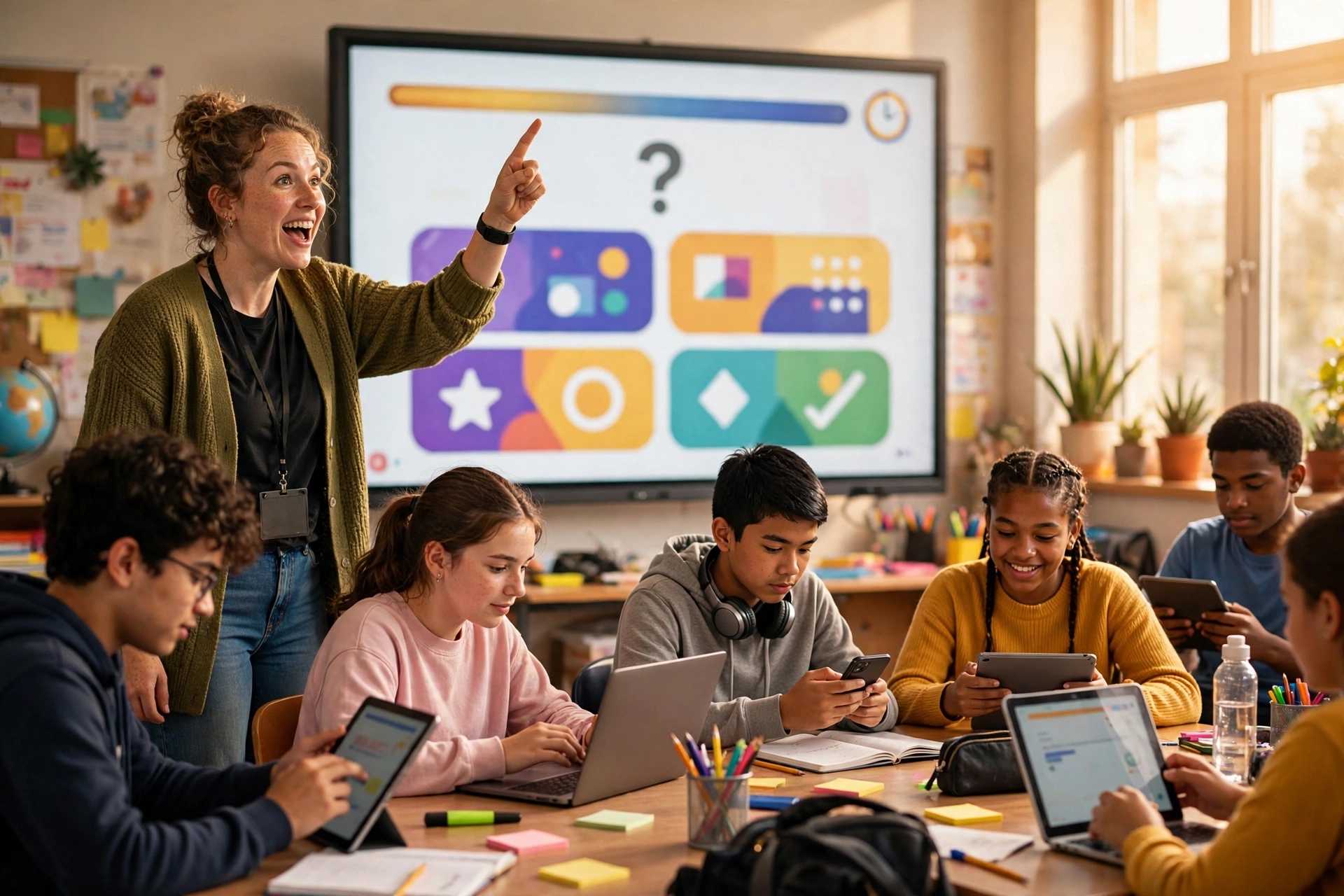
Use Blooket for variety and younger students, Gimkit for strategy and grades 6-12, and Kahoot! for teacher-paced live review on a shared screen. All three host live games via codes. They split on pacing and game depth, and homework support differs too, so the lesson goal decides which one a teacher opens.
This table compares Gimkit, Kahoot! and Blooket across the features teachers ask about most.
| Feature | Blooket | Gimkit | Kahoot! |
|---|---|---|---|
| Pacing | Student-paced in most modes | Student-paced | Teacher-paced |
| Game Depth | Many themed modes | Economy and strategy modes | Classic timed quiz |
| Best Grade Band | Grades 2-8 | Grades 6-12 | All grades |
| Homework Mode | Yes | Yes, via assignments | Yes, via challenges |
| Main Screen Needed | Optional | Optional | Yes for live games |
Is Gimkit Better Than Blooket?
Yes, for middle and high school students who enjoy strategy. Gimkit’s in-game economy rewards planning ahead, and KitCollab lets students build their own questions. Younger kids are a different story. Blooket is better for elementary students, because its themed modes and characters, called Blooks, appeal to younger players in a way Gimkit’s economy doesn’t.
Is Kahoot or Blooket Better?
Kahoot! is better for whole-class discussion, while Blooket is better for self-paced engagement and homework. The reason is pacing. Because Kahoot! holds every student on one question, the teacher can pause the game and reteach before anyone moves on. Blooket lets each student move at their own speed inside a longer game.
What Is a Free Alternative to Kahoot?
The best free alternative to Kahoot! is Blooket for game variety, Wayground for self-paced quizzes with reports, and Baamboozle for no-device team play. All three have free teacher plans. Those plans lock some features, so check each vendor’s current plan page before relying on any tool for a full school year.
This table compares free Kahoot alternatives by their main free plan strength.
| Tool | Free Plan Strength | Common Paid Upgrade |
|---|---|---|
| Blooket | Many game modes for live and homework play | Extra reports and features |
| Wayground | Self-paced quizzes and question library | Advanced features and admin tools |
| Gimkit | Basic live games | More modes and assignments |
| Baamboozle | Basic team games on one screen | Extra game features |
| Wordwall | Small set of template activities | More activities and templates |
| Socrative | Quick quizzes and exit tickets | More rooms and features |
No verified figure is available for current player limits or prices in US dollars, because vendors update their plans often. Only the vendor’s pricing page is reliable.
Best Learning Games Like Kahoot by Use Case
The best learning games like Kahoot depend on the task: Kahoot! for live review, Wayground for homework, Gimkit for test prep with older students, and Blooket for early finishers. Fit beats habit. Matching the tool to the task produces better data and higher engagement than running the same game for every lesson.
This table matches each common classroom task to a top pick and a runner-up.
| Use Case | Top Pick | Runner-Up | Why It Wins |
|---|---|---|---|
| Live whole-class review | Kahoot! | Gimkit | Same question for everyone, easy pauses |
| Homework practice | Wayground | Blooket | Self-paced with clear reports |
| Unit test prep | Gimkit | Wayground | Repeated questions build recall |
| Early finishers | Blooket | Wordwall | Fun solo modes, little setup |
| Vocabulary review | Quizlet Live | Wordwall | Team matching forces discussion |
| No student devices | Baamboozle | Wordwall | Plays from one projector |
| Checking student work | Formative | Nearpod | Shows answers as students work |
| Exit tickets | Socrative | Formative | Fast setup and simple results |
What Games Are Like Blooket for Elementary?
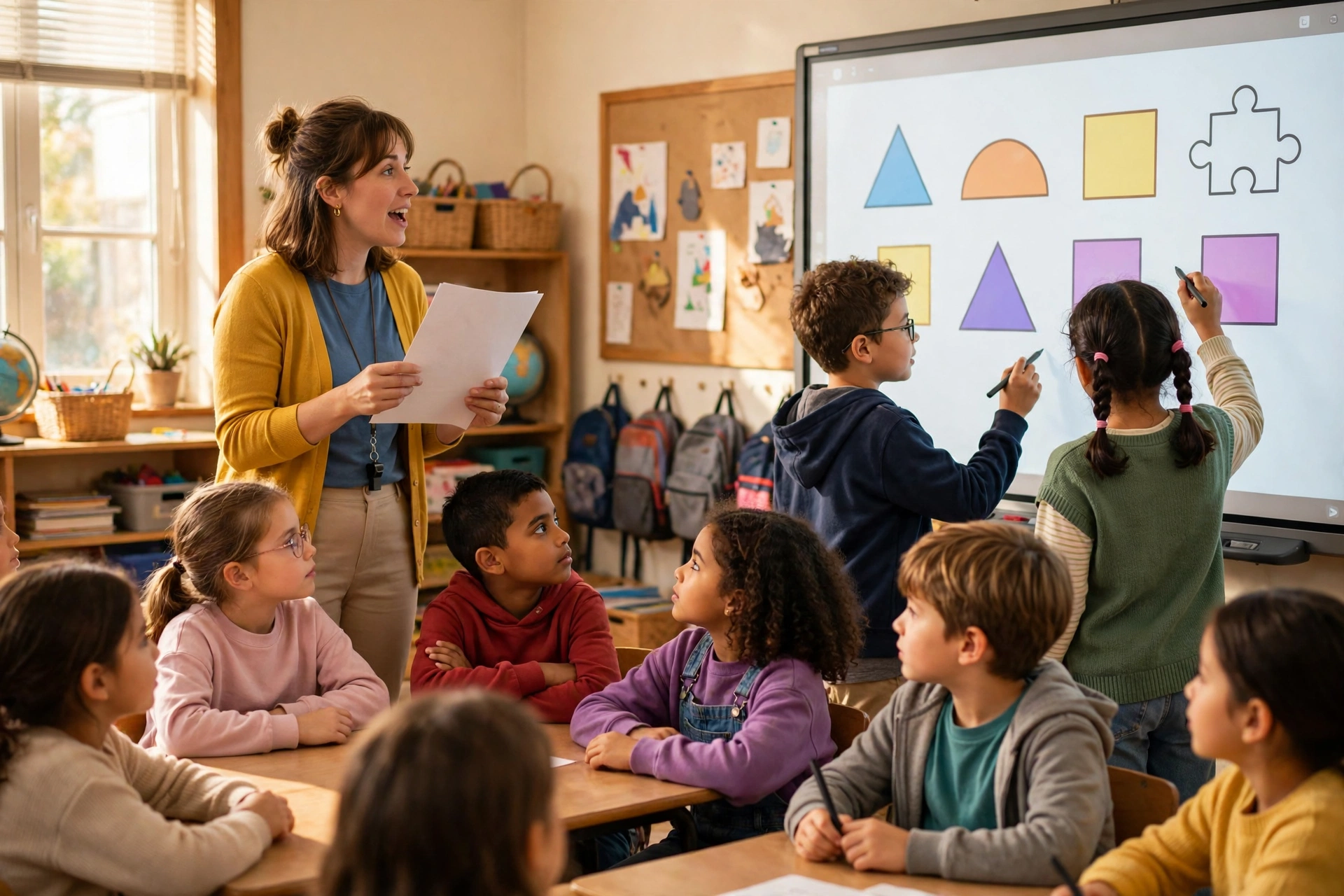
The best games like Blooket for elementary classrooms are Wordwall, Baamboozle and Blooket’s own simpler modes, because they use visuals, short questions and team play. Kahoot! also works for grades 3-5 when the teacher reads questions aloud. K-2 is different. Those classrooms do best with tools that need no student devices, since young kids can play together from one shared screen.
Young students struggle with fast timers and long text. Plan around both. Choose games where the teacher controls the pace, or where pictures carry the question so early readers aren’t left guessing at the words.
These four tips help elementary game sessions run smoothly:
- Read every question aloud for students in grades K-2.
- Turn off or lengthen timers in the game settings.
- Play in teams so stronger readers support others.
- Limit each game to 10 minutes to hold attention.
Baamboozle stands out for K-2 because the whole class plays from one screen, which keeps every child watching the same thing. Wordwall shines on an interactive whiteboard. There, students take turns tapping answers.
Are Blooket Alternatives Safe for Students?
Most major Blooket alternatives are safe for students when a district has approved them, signed a data privacy agreement and set them up through official rostering. Safety still varies by vendor. Check each privacy policy for COPPA practices covering students under 13, then confirm the district has reviewed the tool under FERPA.
Popular doesn’t mean approved. Many US districts publish an approved app list, and using an unlisted tool with student data violates policy in those districts.
COPPA and FERPA Basics for Teachers
COPPA is a federal law enforced by the Federal Trade Commission (FTC), and it limits how online services collect personal information from children under 13. Schools play a role, too. For educational use, a school often gives consent on behalf of parents.
FERPA is a federal law that protects the privacy of student education records at schools that receive US Department of Education funding. Classroom apps fall under it, too. When a teacher enters student names or grades into an app, that data needs FERPA protection.
This table compares the main privacy checks and where to verify each one.
| Check | Why It Matters | Where to Verify |
|---|---|---|
| District approval | Confirms legal and IT review | District approved app list |
| COPPA practices | Protects students under 13 | Vendor privacy policy |
| Data privacy agreement | Sets binding data rules | District tech office |
| Privacy rating | Neutral third-party review | Common Sense Privacy Program |
| Single sign-on (SSO) | Limits personal data entry | Clever or ClassLink portal |
| Google Classroom or LMS link | Keeps rostering official | Vendor integrations page |
How to Check a Tool Before Using It
Run through these steps before any new game tool reaches students:
- Search the district approved app list for the tool’s current name and any former name, such as Quizizz.
- Read the vendor’s privacy policy for COPPA and FERPA language.
- Look up the tool’s evaluation on the Common Sense Privacy Program site.
- Ask the district technology office whether a data privacy agreement is on file.
- Connect the tool through Clever, ClassLink, Google Classroom or the district learning management system (LMS) when available.
- Use first names or nicknames only when no official rostering exists.
What Is Blooket All in 1?
“Blooket all in 1” usually refers to unofficial cheat scripts that students run in a browser to manipulate Blooket games, such as adding coins or seeing answers. Running these scripts breaks Blooket’s rules and hands some players an unfair edge. Worse, it can expose school devices to unsafe code.
Some students search for Blooket knockoffs and unblocked games like Blooket when the real site is blocked at school or when they just want an edge over classmates. Neither path is safe. It isn’t fair, either.
Cheat scripts are code copied from unofficial sites. Nobody vets them. Running unknown code in a browser on a school Chromebook breaks most acceptable use policies, and it risks exposing account data in the process.
Students who want more game time have better options. Just ask. A teacher can set up a homework mode assignment, and approved tools like Wayground or Quizlet work well for extra practice outside class.
Why Schools Block Blooket Knockoffs
Schools block Blooket knockoff sites because nobody has vetted them, and many may collect student data without COPPA or FERPA protections. Ads are common too. District web filters also block sites that host cheat scripts or unblocked game collections.
Copycat sites can look just like Blooket. They have no connection to it. A student who logs in with a school account on one of those fake sites risks handing over login credentials to whoever runs the page.
Teachers who want Blooket unblocked should send a request to the district technology office, which handles the privacy and security review. Students should never try to bypass filters on their own. Doing so violates school policy.
How to Choose the Right Game for Your Class
Choose a Blooket alternative by starting with district approval, then matching device access, grade band and lesson goal to a tool. A teacher with Chromebooks and a homework goal should pick Wayground, since it handles self-paced practice with clear reports for every student. One projector? Baamboozle fits. High school teachers chasing strategy will get more out of Gimkit.
These steps get a tool picked in under 15 minutes:
- Confirm which tools appear on the district approved app list.
- Count available student devices, such as 1:1 Chromebooks, shared carts or none.
- Name the lesson goal: live review, homework, test prep or assessment.
- Match the goal to a tool using the use-case table.
- Test the free plan with one class before buying a paid plan.
- Rotate two or three tools each month to prevent game fatigue.
Frequently Asked Questions
Does Gimkit Work with Google Classroom?
Yes. Gimkit lists Google Classroom among its integrations for rostering and assignments. Before connecting, check Gimkit’s integrations page to see which plan your account needs, then confirm your district has approved the link.
Can Students Get Banned for Using Blooket Cheats?
Yes. Cheat scripts break Blooket’s terms of service, and that can lead to account action. The school may step in too. Under acceptable use policies, a school can discipline any student caught running unauthorized code on school devices, separate from whatever Blooket does.
Why Is Blooket Blocked at My School?
District web filters block sites that haven’t passed a privacy review or IT approval, and a missing data agreement is enough on its own. It’s fixable. Teachers can request approval through their technology office, which reviews privacy and security first.
What Features Does a Free Plan Usually Lock?
Free plans commonly restrict advanced reports and some game modes, and many also cap extra question types and activity counts. Limits shift. Exact caps differ by vendor and change often, so check each current pricing page.
Which Review Games Work Without Student Devices?
Baamboozle runs entirely from one projected screen, with teams taking turns choosing questions while the rest of the class watches. Wordwall works too, on an interactive whiteboard. Both suit K-2 classrooms and rooms without Chromebooks.
Conclusion
The future of classroom review games points toward tighter privacy rules, deeper Google Classroom and Clever integration, and more student-paced play. Teachers who build a small rotation of approved tools now will adapt faster when vendors rebrand or change their free plans. New features keep arriving too.
Quizizz becoming Wayground shows how fast tool names and plans shift. Don’t coast. Recheck district approval lists and pricing pages at the start of each school year instead of relying on whatever worked last year.
The strongest strategy pairs a live game with a homework tool, then adds a no-device option for the days when devices aren’t available. Here’s how it looks. Kahoot! handles live review and Wayground covers homework, while Baamboozle takes the low-tech days, and together they cover nearly every classroom scenario.